



Table of Contents
If your Shopify store gets hundreds—or even thousands—of visitors every month but still struggles to make sales, you’re not alone.
Many store owners focus heavily on generating traffic through Google, Facebook Ads, TikTok, or Instagram but overlook the factors that actually convert visitors into customers.
The good news? In most cases, the problem isn’t your traffic. It’s your conversion rate.
In this guide, we’ll cover the most common reasons your Shopify store gets traffic but no sales and show you exactly how to fix them.
How to Increase shopify store sales
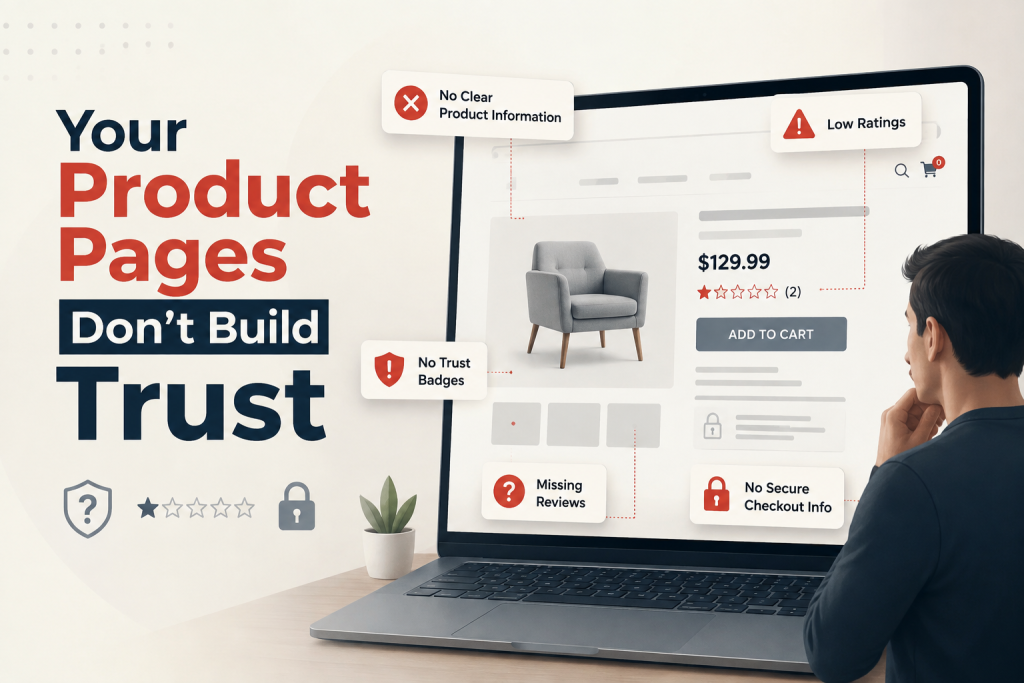
1. Your Product Pages Don’t Build Trust
Visitors won’t buy from a store they don’t trust. (Trust Badges)
Your product page should include:
- High-quality product images
- Detailed product descriptions
- Customer reviews
- Shipping information
- Return policy
- Secure payment badges
A weak product page is one of the biggest reasons customers leave without buying.
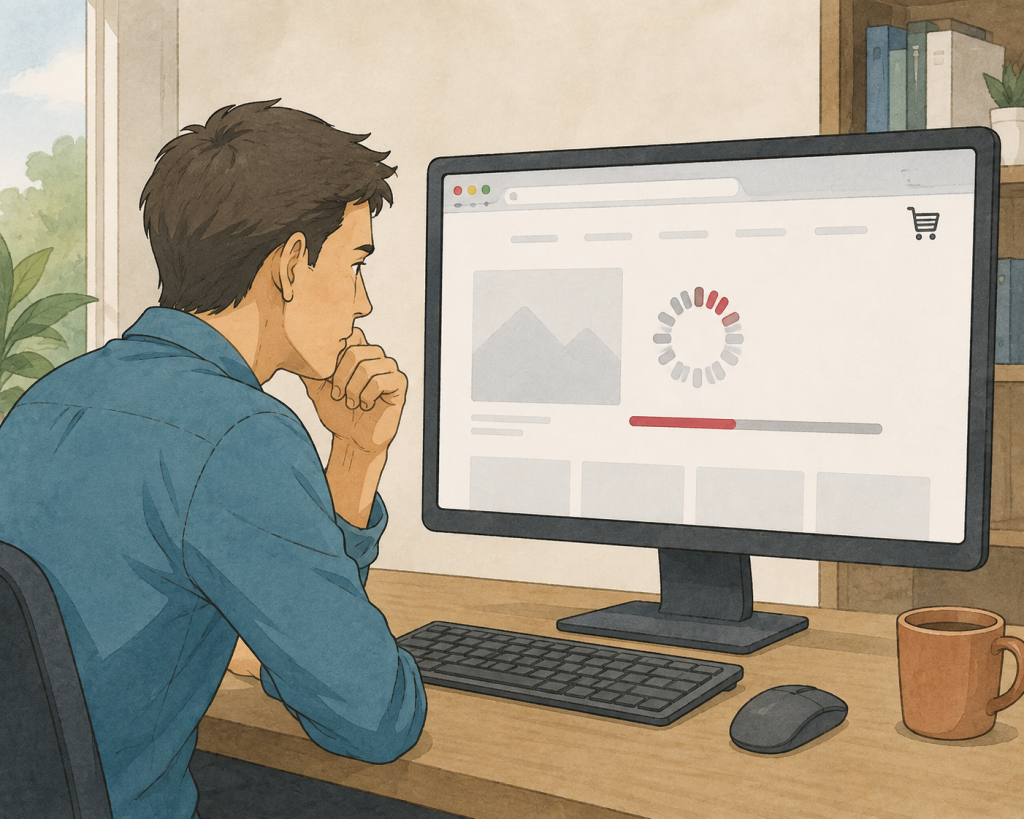
2. Your Store Loads Too Slowly
A slow Shopify store increases bounce rates and reduces conversions.
Improve speed by:
- Compressing images
- Removing unnecessary apps
- Using lightweight themes
- Lazy-loading images
- Optimizing custom code
Even a one-second improvement can increase conversions.
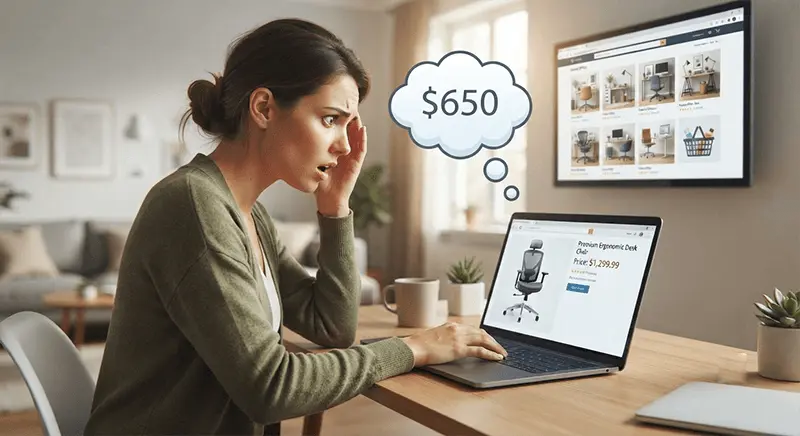
3. Your Product Pricing Doesn’t Match Customer Expectations
Customers compare prices before purchasing.
Ask yourself:
- Are your prices too high?
- Are they suspiciously low?
- Do competitors offer more value?
- Winning Products
Instead of competing only on price, highlight your unique value.

4. Poor Product Images
Customers cannot touch or test products online.
Use:
- Lifestyle images
- Multiple viewing angles
- Zoom functionality
- Videos
- Size comparison images
Better visuals create confidence.

5. No Social Proof
People trust other customers more than marketing copy.
Include:
- Customer reviews
- Star ratings
- User-generated content
- Testimonials
- Before-and-after images
Social proof reduces buying hesitation.
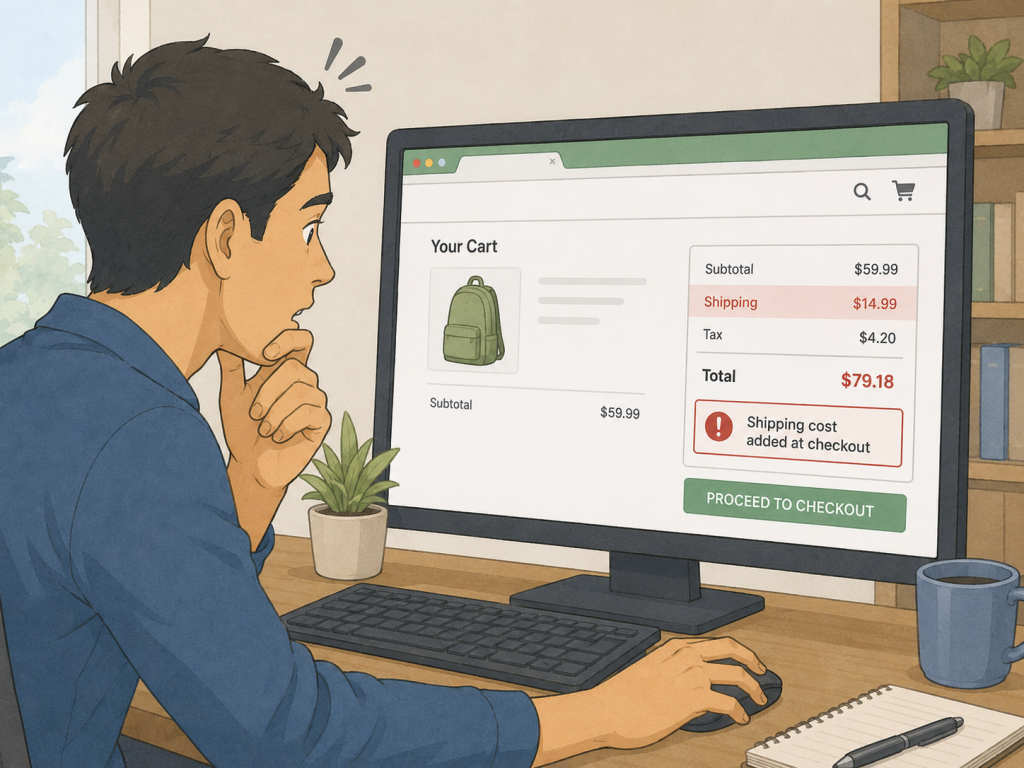
6. Hidden Shipping Costs
Unexpected shipping charges are one of the biggest reasons shoppers abandon their carts.
Be transparent about:
- Shipping costs
- Delivery times
- Taxes
- Returns
Avoid surprising customers during checkout.
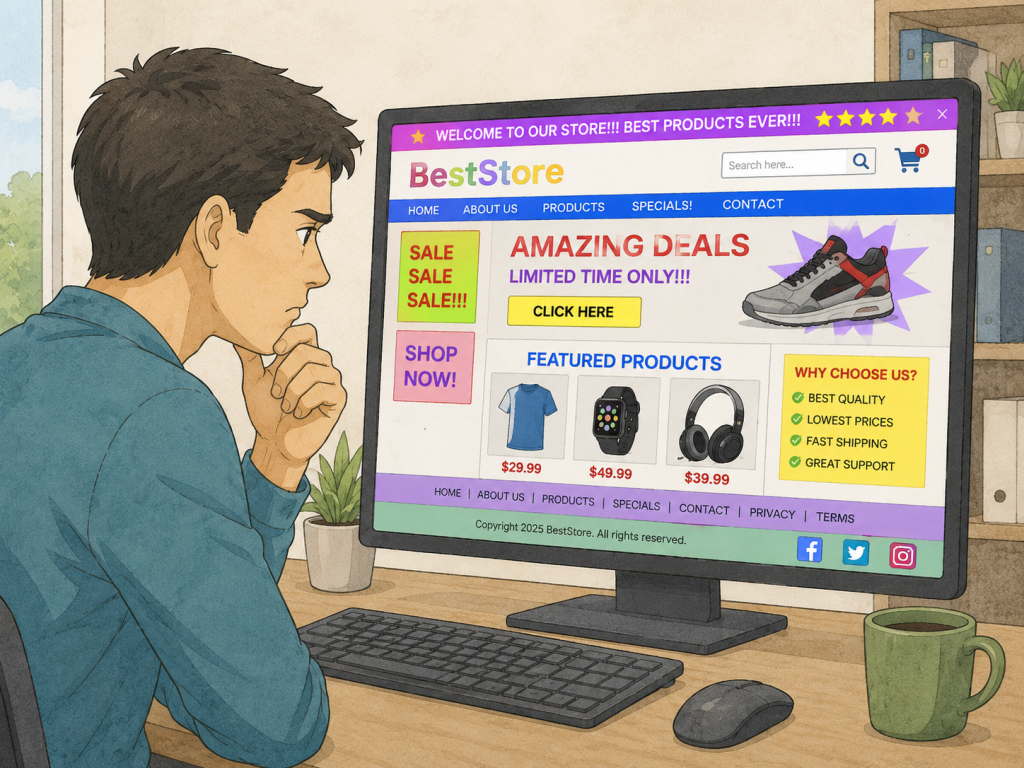
7. Your Store Looks Unprofessional
Visitors judge your business within seconds.
Check:
- Logo quality
- Mobile responsiveness
- Fonts
- Colors
- Navigation
- Broken links
- Grammar mistakes
Professional design builds credibility.
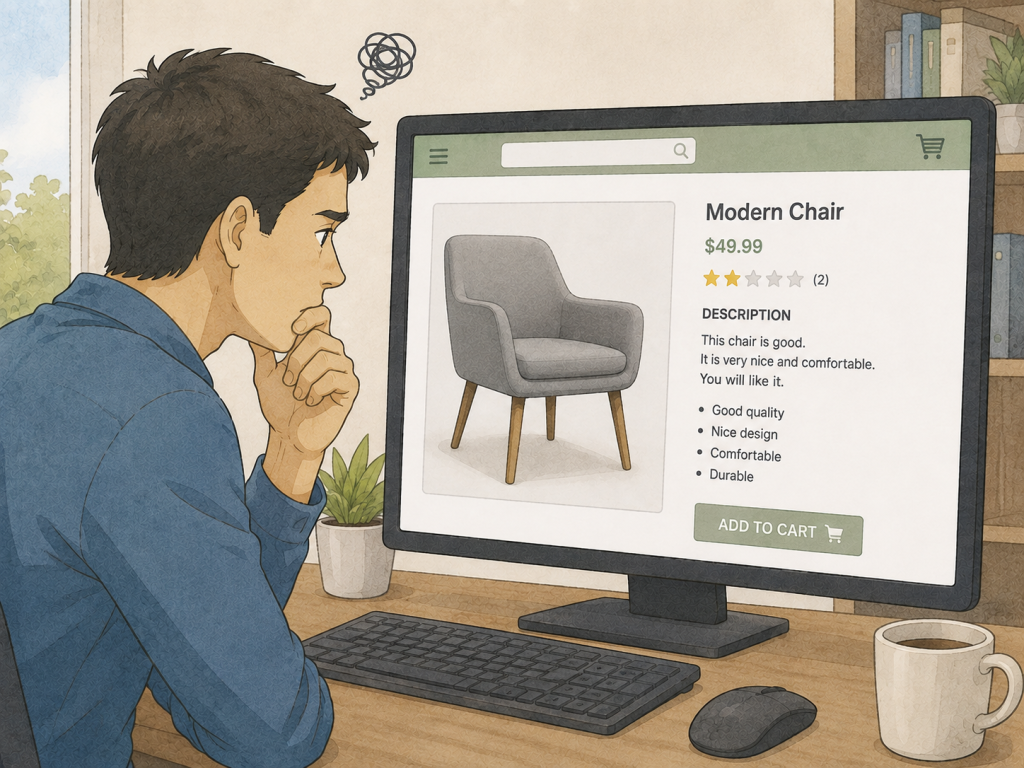
8. Weak Product Descriptions
Don’t just list features.
Instead, explain:
- The problem it solves
- Benefits
- Materials
- Dimensions
- Usage instructions
- Warranty
Sell the outcome—not just the product.
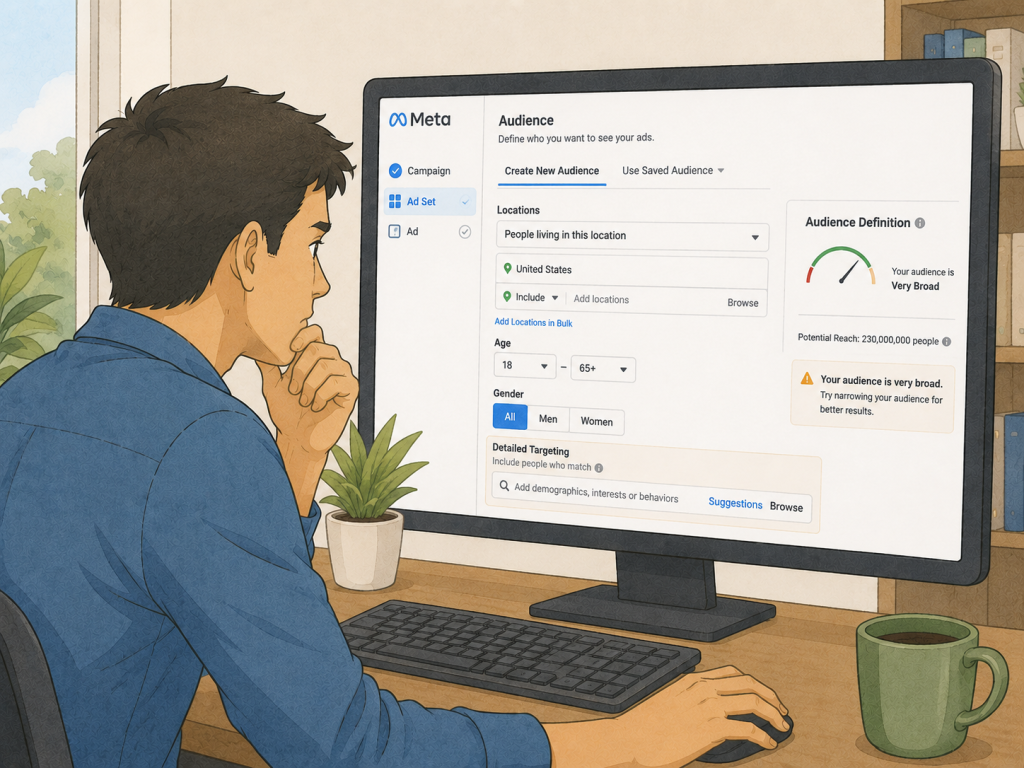
9. You’re Targeting the Wrong Audience
Traffic alone doesn’t generate sales.
Review your marketing:
- Are your ads reaching the right audience?
- Are your keywords relevant?
- Does your landing page match visitor intent?
Relevant traffic converts better.
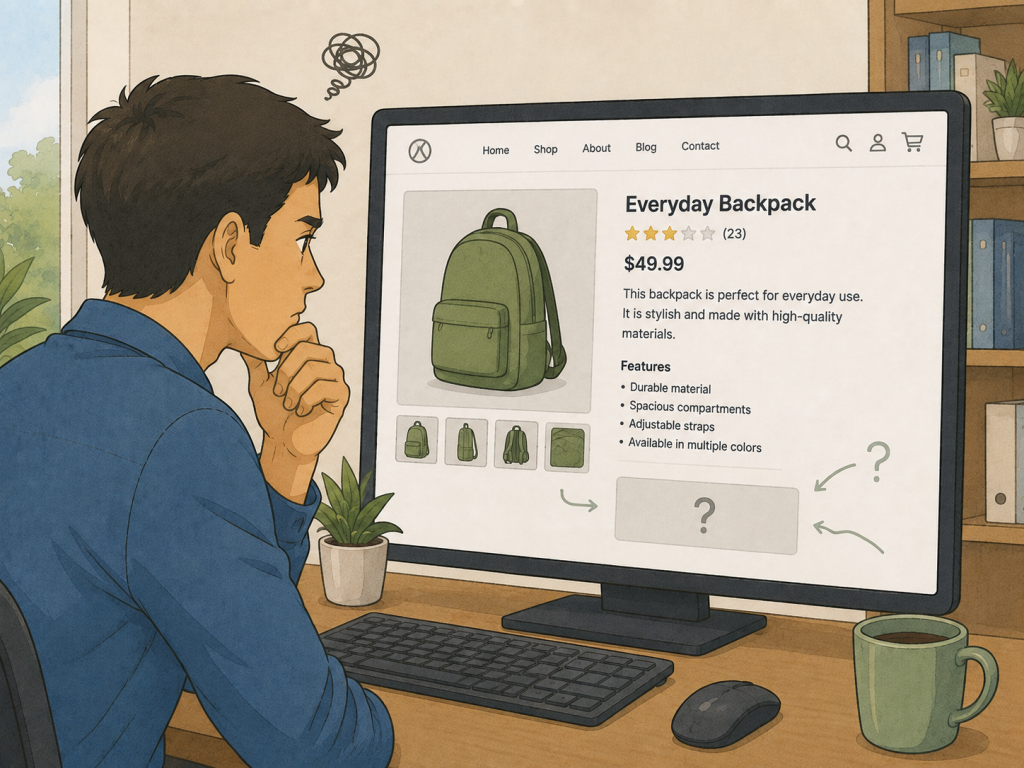
10. No Clear Call-to-Action
Every product page should encourage action.
Examples:
- Buy Now
- Add to Cart
- Limited Stock
- Order Today
Keep your CTA visible and easy to find.
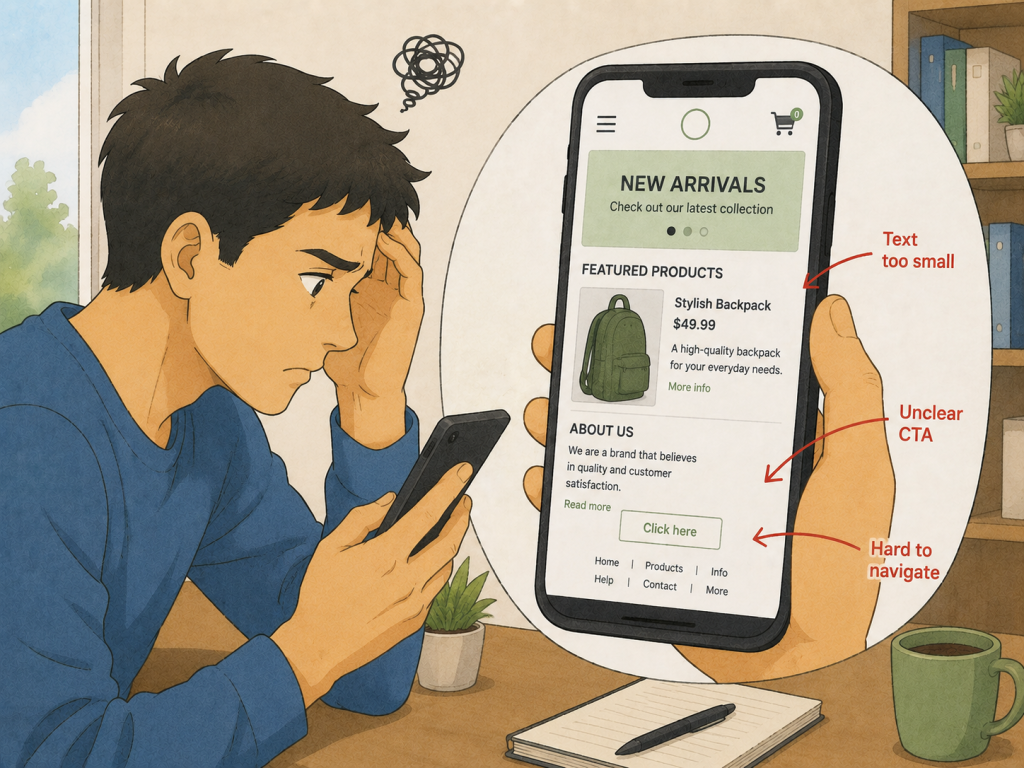
11. Mobile Experience Is Poor
Most Shopify traffic now comes from mobile devices.
Test:
- Navigation
- Checkout
- Buttons
- Forms
- Product images
A mobile-friendly experience is essential.
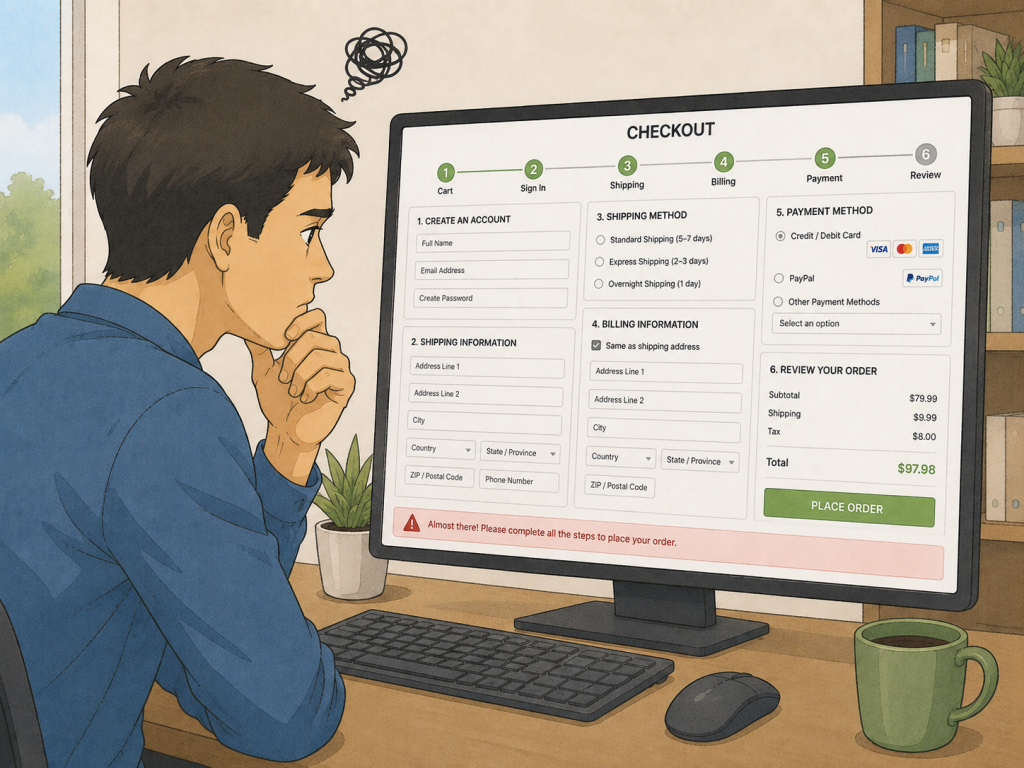
12. Complicated Checkout Process
Reduce friction by:
- Offering guest checkout
- Supporting multiple payment methods
- Keeping forms short
- Displaying trust badges
Every extra step increases the chance of abandonment.
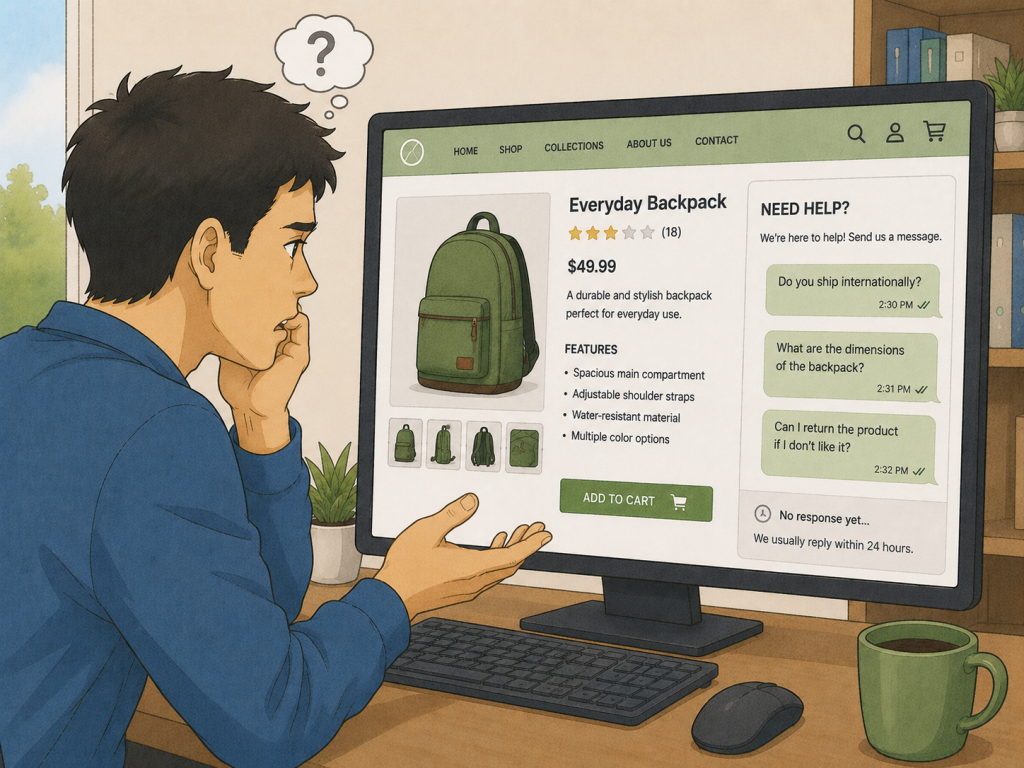
13. Your Store Doesn’t Answer Customer Questions
Customers often want answers before buying.
Create sections for:
- FAQs
- Shipping
- Returns
- Product care
- Warranty
The more questions you answer, the fewer objections remain.
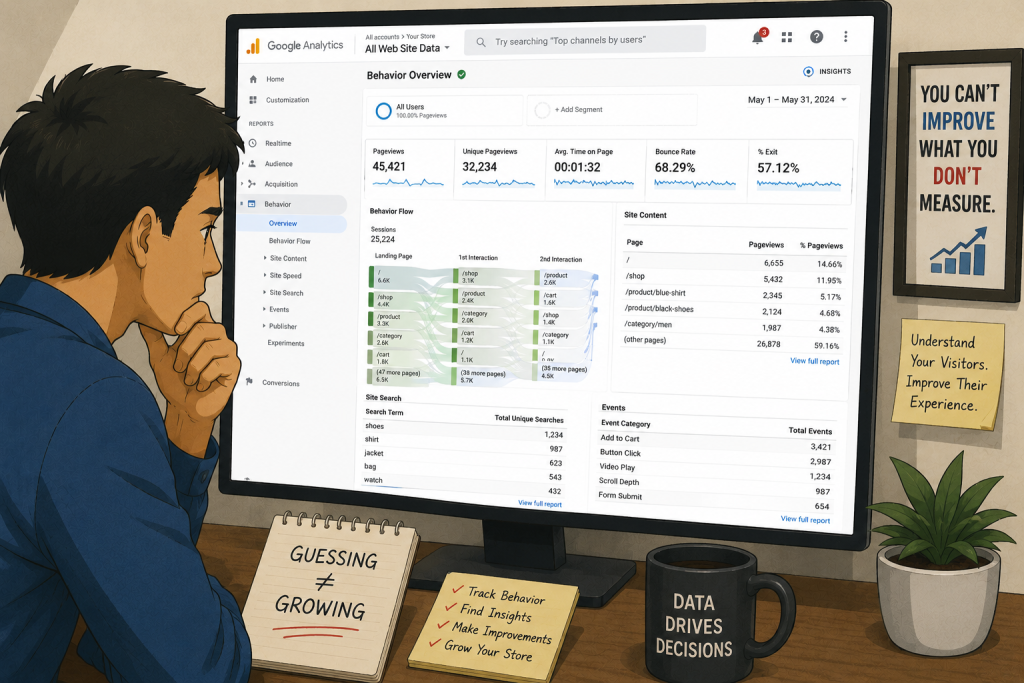
14. You Don’t Analyze Visitor Behavior
Use tools like:
- Google Analytics
- Microsoft Clarity
- Shopify Analytics
Track:
- Bounce rate
- Add-to-cart rate
- Checkout abandonment
- Conversion rate
Data helps you identify where customers drop off.
Driving traffic to your Shopify store is just the beginning; converting that interest into sales requires strategic tweaks. How to improve Shopify store sales hinges on presenting a clear call-to-action that stands out, ensuring a seamless mobile experience that captivates users, and streamlining the checkout process to minimize abandonment. Additionally, addressing customer queries proactively and analyzing visitor behavior can illuminate paths to conversion, transforming casual visitors into loyal buyers.
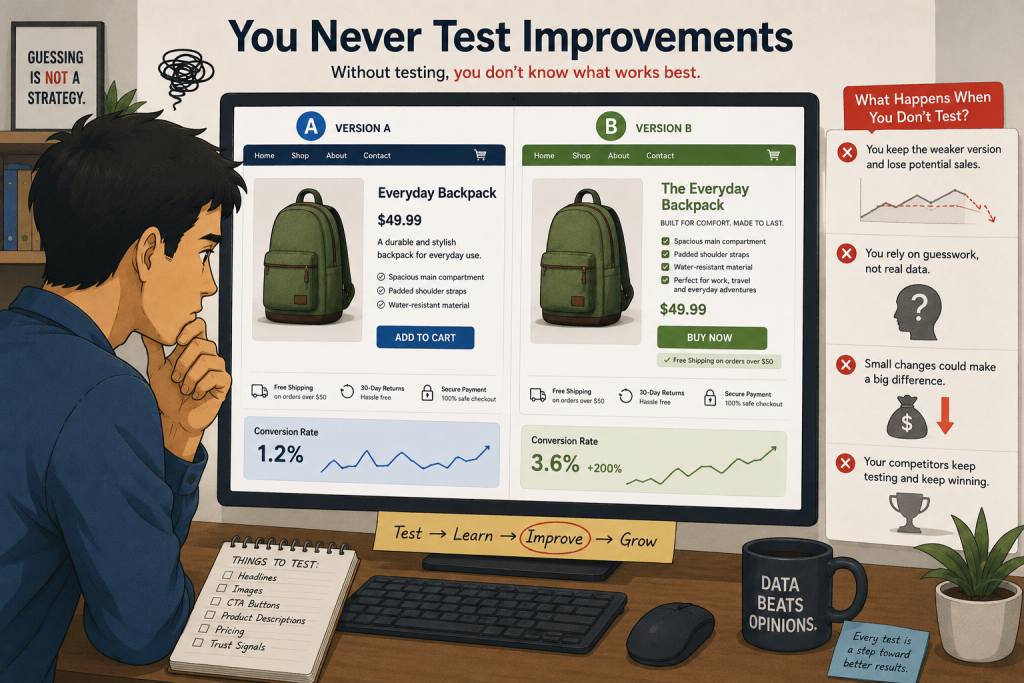
15. You Never Test Improvements
Successful Shopify stores continuously improve.
Test different:
- Headlines
- Images
- Product descriptions
- Prices
- CTAs
- Landing pages
Small improvements can significantly increase sales over time.
Questions and answers
Your Shopify store may be getting traffic but not sales because of poor product pages, slow loading speed, weak trust signals, high shipping costs, unclear calls-to-action, or targeting the wrong audience. Check your conversion funnel to identify where visitors are leaving.
There is no fixed amount of traffic required to generate sales. A store with 100 highly relevant visitors can potentially perform better than a store with 10,000 visitors who aren’t interested in the products. Traffic quality and conversion rate matter more than traffic volume alone.
Visitors may leave without buying if they don’t trust the store, can’t find enough product information, think the price is too high, encounter unexpected shipping fees, or have difficulty navigating the checkout process.
Improve your product pages, use high-quality images and videos, add genuine customer reviews, make shipping and returns clear, improve mobile usability, simplify checkout, and test different product page elements.
It could be. If you’re getting plenty of visitors but very few add-to-carts or purchases, review your advertising targeting, search keywords, social media campaigns, and landing pages to determine whether you’re attracting people who actually want your products.
Cart abandonment can happen because of unexpected shipping costs, complicated checkout, limited payment options, lack of trust, slow checkout pages, or customers simply comparing prices with competitors.
Yes. A slow store can create a poor user experience and cause visitors to leave before viewing products or completing checkout. Improving images, reducing unnecessary apps, and optimizing your theme can help improve performance.
Product reviews can help reduce customer hesitation and build trust, particularly when shoppers are unfamiliar with your brand. Use authentic reviews and, where appropriate, customer photos or user-generated content.
Tips
Getting traffic without sales can be frustrating, but it’s usually fixable.
- Instead of spending more money on ads, optimize your Shopify store first. Focus on building trust, improving speed, simplifying the buying process, and understanding your customers.
- A store that converts at 3% will almost always outperform one that gets more traffic but converts at only 0.5%.
Need Help optimizing Your Shopify Store?
If your Shopify store gets traffic but isn’t generating enough sales, professional optimization can make a significant difference.
At Xperlet, we help Shopify businesses improve store speed, user experience, product pages, SEO, and conversion rates to turn more visitors into paying customers.
A well-optimized store doesn’t just attract traffic—it turns that traffic into revenue.




[…] By Xperlet E-Commerce Development Shopify August 16, […]